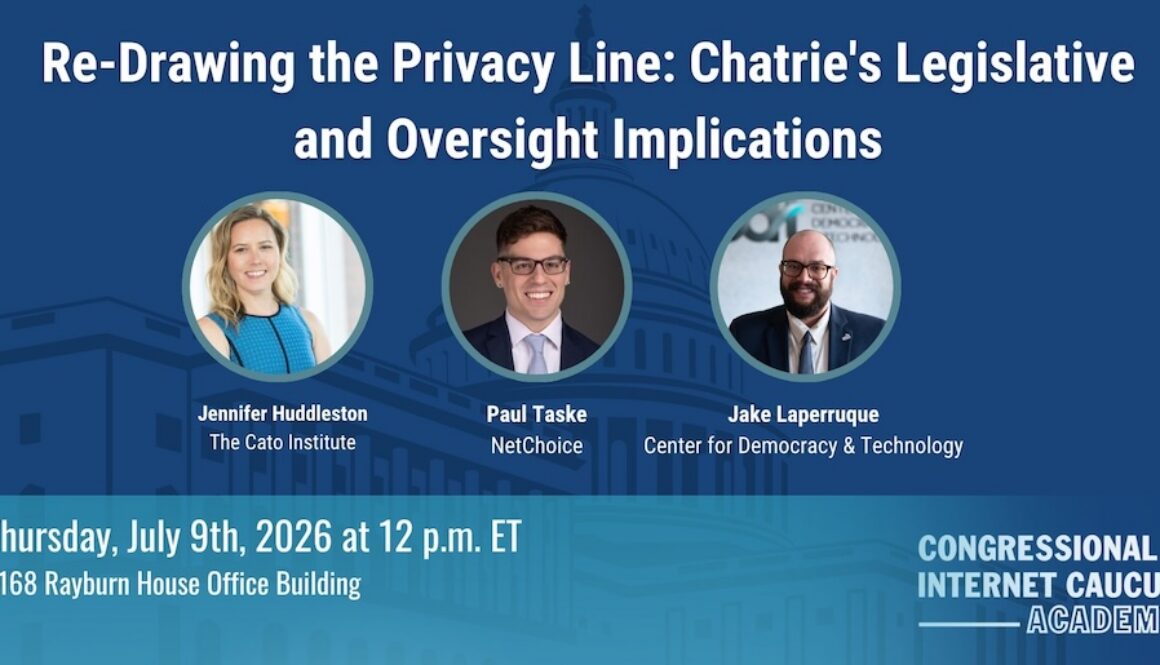
Audio: Re-Drawing the Privacy Line: Chatrie’s Legislative and Oversight Implications
This is audio from the July briefing on “Re-Drawing the Privacy Line: Chatrie’s Legislative and Oversight Implications.”
LISTEN
SPEAKERS
Jennifer Huddleston
Senior Fellow
The Cato InstituteJake Laperruque
Deputy Director, Security and Surveillance Project
Center for Democracy & TechnologyPaul Taske
Director, Litigation Center
NetChoice
In a landmark decision for personal privacy and liberty in the mobile phone age, the Supreme Court has brought renewed scrutiny to the third-party doctrine, the long-standing rule that information shared with a company may receive reduced Fourth Amendment protection, as applied to geofence warrants and modern location data.
Our experts will breakdown the Chatrie vs US decision and what it means for privacy, law enforcement and Congress.
Date: Thursday, July 9
Time: 12:00–1:00 PM ET